
What Is IRS Form 945 and How Do You File It?
Find out who must file IRS Form 945, when the return and deposits are due, and how to report nonpayroll withholding and submit the form.
November 20, 2026
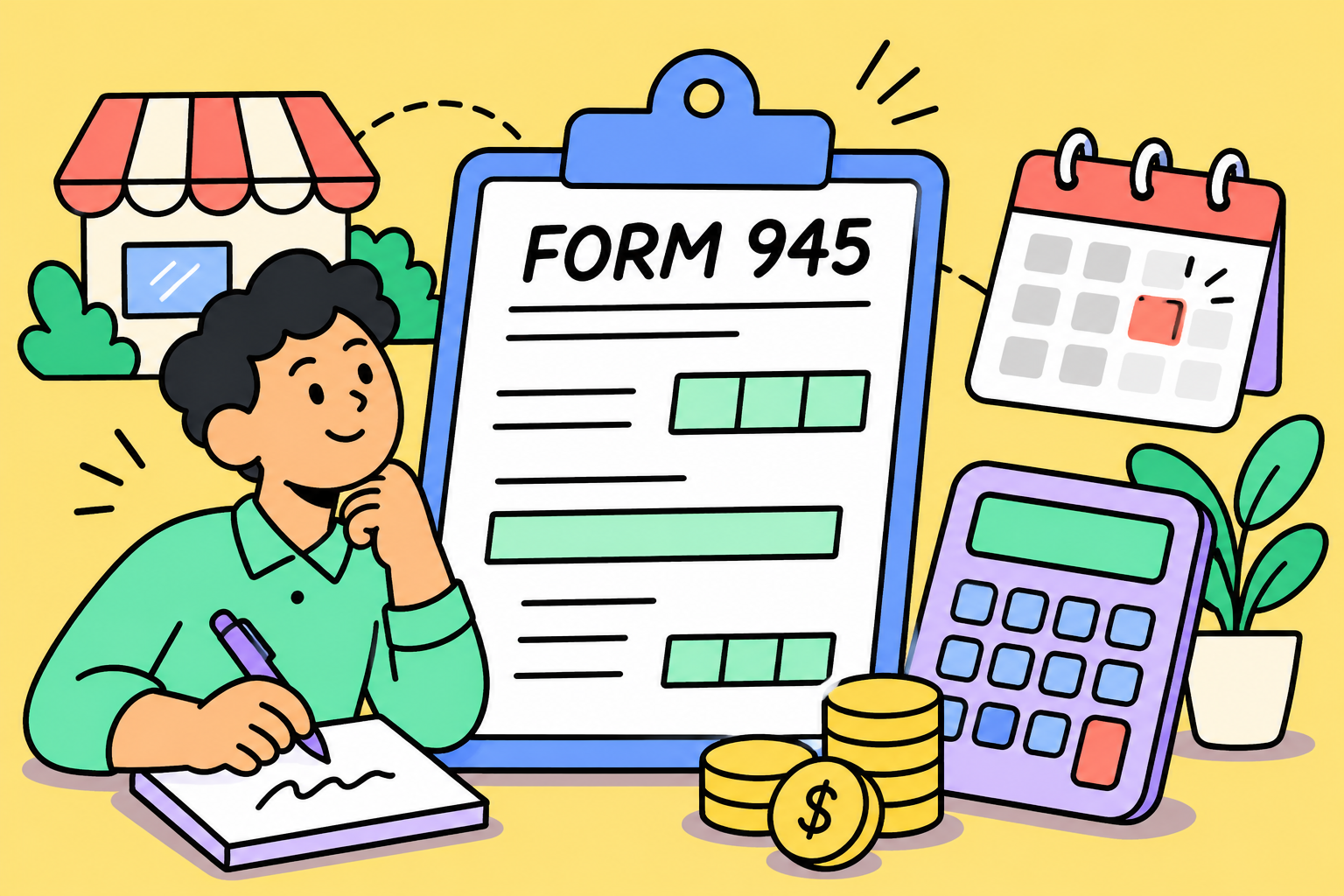
IRS Form 945 is the annual return for federal income tax withheld from nonpayroll payments, such as retirement distributions, gambling winnings, and contractor payments subject to backup withholding, a tax payers must deduct from certain reportable payments when IRS rules require it. You generally must file it if you withheld or were required to withhold federal income tax from these payments during the calendar year. Download Form 945 from the IRS.
What Form 945 reports
Form 945 reports the federal income tax associated with nonpayroll payments. It brings together withholding reported on information returns such as Form 1099-R for retirement distributions, Form 1099-NEC for nonemployee compensation, and Form W-2G for certain gambling winnings.
The form separates two types of withholding:
- Regular federal income tax withholding, such as withholding from pensions, annuities, IRA distributions, and certain gambling winnings, goes on line 1.
- Backup withholding goes on line 2. It can apply to certain reportable payments when, for example, the payee fails to provide a taxpayer identification number. If you backup withhold on an independent contractor’s payment, enter the amount withheld on line 2 and report it on the contractor’s Form 1099-NEC.
Who must file Form 945?
File one Form 945 for the calendar year if you withheld or were required to withhold federal income tax from nonpayroll payments covered by the form. Check whether a withholding obligation applied even if your records show that no tax was taken out. If you had no nonpayroll tax liability for the year, you can skip Form 945. Issuing a Form 1099-NEC by itself does not trigger a Form 945 filing.
Form 945 and Form 941
Form 945 is an annual return for federal income tax withheld from nonpayroll payments. Form 941 is a quarterly return many employers use to report federal income tax withheld from employee wages, along with Social Security and Medicare taxes. A business that pays employees and applies backup withholding to a contractor’s payment may need to file both returns and make separate deposits for each.
When is Form 945 due?
For the 2026 tax year, Form 945 is due February 1, 2027. The usual January 31 deadline moves to the next business day when it falls on a weekend or legal holiday. If you made all required deposits on time and paid the year’s tax in full through those deposits, you may file by February 10, 2027.
When do you deposit Form 945 taxes?
Two figures guide the deposit decision. Your current-year Form 945 tax determines whether you can generally pay with the return. If deposits are required, your Form 945 tax from the second preceding calendar year determines whether you follow a monthly or semiweekly schedule. For 2026 deposits, use line 3 of your 2024 Form 945. Keep Form 945 amounts separate from payroll taxes when applying these rules.
What to do
Make required deposits by electronic funds transfer using a method such as EFTPS, IRS Direct Pay, or your IRS business tax account. Check the business-day and holiday rules before scheduling a deposit.
How to fill out and file Form 945
- Gather your records. Pull together your employer identification number (EIN), nonpayroll payment records, relevant Forms 1099 and W-2G, and deposit confirmations. Enter the legal name and EIN that appear on the corresponding information returns.
- Line 1 — Regular withholding. Enter federal income tax you withheld or were required to withhold from covered nonpayroll payments, including regular withholding on gambling winnings.
- Line 2 — Backup withholding. Enter amounts you withheld or were required to withhold under the backup withholding rules, including backup withholding on gambling winnings. The rate is 24%. For example, backup withholding can apply if a payee provides an incorrect taxpayer identification number (TIN).
- Line 3 — Total tax. Add lines 1 and 2.
- Line 4 — Total deposits. Enter your Form 945 deposits for the year. Include any overpayment applied from your prior-year return or from a Form 945-X filed during the year.
- Line 5 — Balance due. If line 3 is greater than line 4, enter the difference.
- Line 6a — Overpayment. If line 4 is greater than line 3, enter the difference.
- Line 6b — Refund or credit. Check one box to request a refund or apply the overpayment to your next return.
- Line 6c — Routing number. For a direct-deposit refund, enter your bank’s nine-digit routing number.
- Line 6d — Account type. Select checking or savings.
- Line 6e — Account number. Enter the account number for the refund.
- Line 7 — Monthly tax liability. If line 3 is less than $2,500, leave line 7 blank and skip Form 945-A. If line 3 is $2,500 or more and you were a monthly schedule depositor for the entire year, complete line 7. If you withheld tax in March and deposited it in April, report the liability in March. If a semiweekly schedule applied during the year, including after a switch under the $100,000 next-day deposit rule, attach Form 945-A for the entire year. Make sure line 7m or Form 945-A line M equals line 3.
- Sign and submit the return. File through the IRS employment tax e-file system or mail a signed paper return. For paper filing, use the Where To File table to find the address for your location and whether you’re enclosing a payment. If you pay the balance due electronically and file a paper return, mail it to the address in the “Without a payment”column. Do not include Form 945-V. Save your submission confirmation or proof of mailing.
FAQ
Who can sign Form 945?
It depends on the entity. A sole proprietor signs their own return. A corporation can use an authorized principal officer, while a partnership can use an authorized partner, member, or officer familiar with its affairs. A duly authorized agent can also sign if a valid power of attorney is on file.
How do I mark Form 945 as my final return?
If you close the business or end operations and will no longer need to file Form 945, check box A and enter the date you made your final nonpayroll payments. Attach a statement naming the person who will keep the payment records and giving the address where they’ll be stored.
How do I correct a Form 945 I already filed?
Use Form 945-X to correct a previously filed return. File it separately from your annual Form 945 and follow the instructions for the type of correction you’re making.
What records should I keep after filing?
Keep a copy of the signed return, any Form 945-A you filed, the information returns and payment records that support your withholding totals, and your deposit and filing confirmations. Together, these records show what you withheld, when the liability arose, and when you paid and filed.

I’m love writing because it keeps my brain working. I want my texts to be accurate and interesting, and in doing the research to make that happen, I learn many new things.
Learn moreWe are here to ease your working routine
Whether you're freelancing or a full-time contractor, we simplify the working process, putting you in control.
Try it free

Compare gross pay and net pay, calculate hourly and salaried earnings, and see how taxes and deductions affect take-home pay with a worked example.
Set up payroll for your small business with steps for EINs, state tax accounts, employee forms, pay schedules, software and your first payroll run.

Compare cheap payroll services by monthly fees, employee costs, tax filing and free trials. Find an affordable option that fits your small business.
