
Cheapest Payroll Service: 5 Options for Small Businesses
Compare cheap payroll services by monthly fees, employee costs, tax filing and free trials. Find an affordable option that fits your small business.
November 6, 2026

This guide compares four affordable US payroll providers — Patriot Payroll, Square Payroll, SurePayroll, and OnPay — and one separate option for international contractor payments, Solowise. The US payroll comparison focuses on pricing, tax filing, and additional fees, while the international payments section covers a different business need.
What Is the Cheapest Payroll Service in 2026?
For basic US employee payroll, Patriot Payroll offers one of the lowest starting prices among the providers reviewed. Its Basic Payroll plan starts at $17 per month plus $4 per worker, with a temporary introductory discount reducing the price to $8.50 plus $2 per worker.
For full-service US payroll with automatic tax filing, the cheapest option depends on team size. Patriot Full Service, at $37 per month plus $5 per worker, costs the least for teams of five or more: $62 for five employees and $87 for ten. Square Payroll starts at $35 per month plus $6 per person paid.
For businesses working with contractors internationally, Solowise provides a different solution. Rather than managing traditional US employee payroll, it helps businesses organize international contractor payments, agreements, and invoices.
Our Top 4 Picks
- Patriot Payroll: Low-cost basic US payroll.
- Square Payroll: Full-service payroll for hourly teams and US contractor payments.
- SurePayroll: Affordable payroll with optional automatic tax filing.
- OnPay: Payroll for growing and multi-state businesses.
The right service depends on where your workers are located, whether they're employees or independent contractors, and which payroll tasks you want to automate.
Cheapest Payroll Services Compared
Monthly cost = base fee + (paid employees × per-worker rate). Standard monthly prices below exclude annual fees and other extras.
What the comparison includes and excludes
Patriot Basic includes unlimited payroll runs, direct deposit, employee access, and payroll calculations, but excludes automatic tax filings and optional HR/time tracking. Patriot Full Service includes everything in Basic, plus federal, state, and local payroll tax filings and deposits and year-end W-2/1099 filing at no extra fee. It excludes additional state filings ($12/month per extra state) and optional HR and time-tracking tools. Square Full-Service includes supported automatic payroll tax filing, unlimited runs, and Square integrations, but excludes separately purchased benefits and advanced Square services. SurePayroll includes supported federal/state tax filing, direct deposit, and unlimited payroll runs, but excludes multi-state charges, local tax fees, paid integrations, and annual W-2/1099-NEC form charges. OnPay Essentials includes supported federal/state/local tax filings, multi-state payroll, year-end forms, and accounting integrations, but excludes optional HR, time tracking, compliance services, and benefits premiums. Employee wages and employer taxes are not part of any of these subscription estimates.
1. Patriot Payroll — Cheapest Basic US Payroll Service
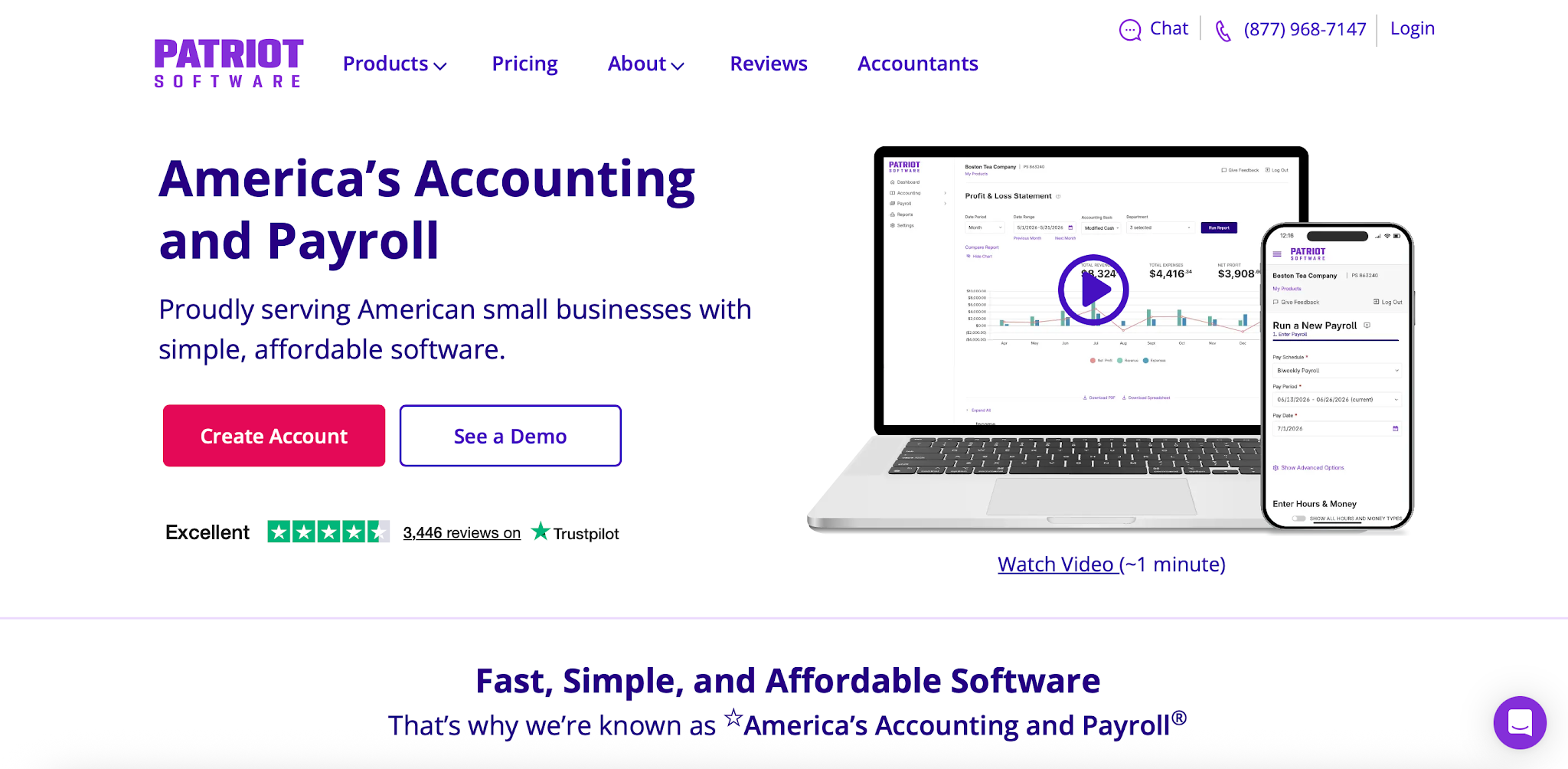
Promotional price: $8.50/month + $2 per worker paid
Standard price: $17/month + $4 per worker paid
Patriot Payroll is among the most affordable traditional payroll software options for small US businesses.
Its Basic Payroll plan includes core payroll tools such as wage calculations, direct deposit, employee access, and unlimited payroll runs.
Patriot currently advertises a discounted introductory rate of $8.50 per month plus $2 per worker paid, following a 30-day free period. The discount applies for three months before standard pricing resumes.
However, Basic Payroll does not automatically file and deposit payroll taxes for you.
Key Features
- Unlimited payroll runs
- Direct deposit
- Employee self-service portal
- Automatic payroll calculations
- Contractor payments through payroll
- Payroll reports
- Optional HR and time-tracking software
Patriot Payroll Add-On Costs
Patriot offers optional tools that can be added to the payroll subscription.
For example, a business with five employees using the promotional Basic Payroll price would pay $18.50 monthly before add-ons. With ten employees, the promotional total would be $28.50 per month: $8.50 + (10 × $2). Once the three-month discount ends, the same team pays $57 per month at the standard rate.
For five employees, adding both Time & Attendance and HR Software at the introductory add-on rates ($3/month + $1 per employee for each product) would increase the promotional total to $34.50: 18.50+2×(3 + 5 × $1) = $34.50/month.
Time & Attendance and HR Software each cost $6/month + $2/employee at standard rates. With both add-ons at standard rates, five employees cost $69/month: $37 + 2 × ($6 + 5 × $2). Patriot Full Service costs $37/month + $5/worker, plus $12/month per additional tax-filing state.
Pros
- Low introductory and standard pricing
- Unlimited payroll runs
- Direct deposit included
- Optional HR and time-tracking tools
- Suitable for very small businesses
Cons
- Basic Payroll does not handle payroll tax filing and deposits
- Introductory pricing is temporary
- Additional features increase the total subscription cost
- Businesses seeking full-service payroll must choose a different plan
Best for: Small businesses with one to five employees, especially those already working with an accountant.
Choose Patriot if minimizing payroll software costs matters most and you're comfortable managing payroll tax filings separately.
2. Square Payroll — Best for Hourly Teams and US Contractors
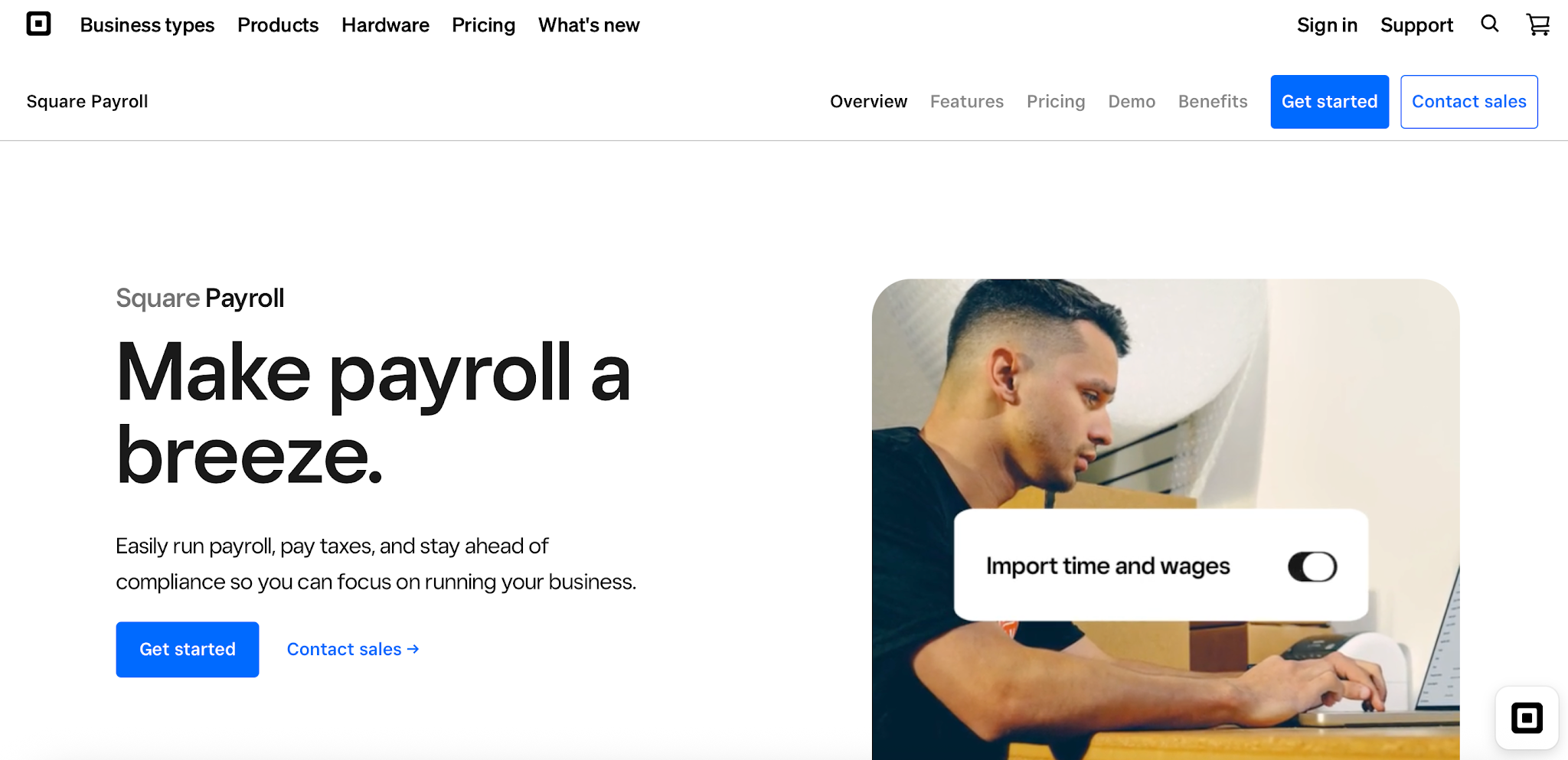
Full-service payroll: $35/month + $6 per person paid
Contractor-only payroll: $6 per person paid per month
Square Payroll is an affordable option for small businesses that employ hourly workers or pay US-based contractors.
Its full-service payroll product handles payroll calculations, employee payments, and supported federal and state payroll tax filings.
Square also connects with its wider business management ecosystem, making it particularly useful for restaurants, retail stores, and service-based businesses.
Key Features
- Unlimited payroll runs
- Automatic federal and state payroll tax payments and filings on the full-service plan
- Direct deposit and other supported payment methods
- Employee onboarding
- Timecard imports
- Tip and overtime tracking
- Multi-state payroll support
- Integration with Square business tools
Digital W-2s and 1099s are included. If you opt in to mailed paper copies, Square charges $3 per employee or contractor per year. Benefits such as health insurance and workers' compensation are priced separately.
Square Payroll vs. Square Plus
Square Payroll and Square Plus are different products.
Square Plus, advertised at $49 per month per location, is part of Square's point-of-sale offering. It includes advanced POS and business management features.
It should not be confused with Square Payroll's $35 monthly base price plus $6 per person paid.
Businesses using Square's POS products can evaluate payroll separately and choose the combination that fits their operations.
Pros
- Affordable full-service payroll
- Contractor-only option without a monthly base fee
- Useful features for hourly workers
- Integrates with Square's broader business tools
- Supports payroll tax filing
Cons
- Some benefits and advanced features cost extra
- The full-service plan includes a monthly base fee
- Businesses outside the Square ecosystem may not benefit as much from its integrations
Best for: Restaurants, retailers, salons, small service businesses, and companies paying US contractors.
Choose Square if you manage hourly employees, tips, or shifts and want payroll connected to your existing business tools.
3. SurePayroll — Best Budget-Friendly Full-Service Payroll
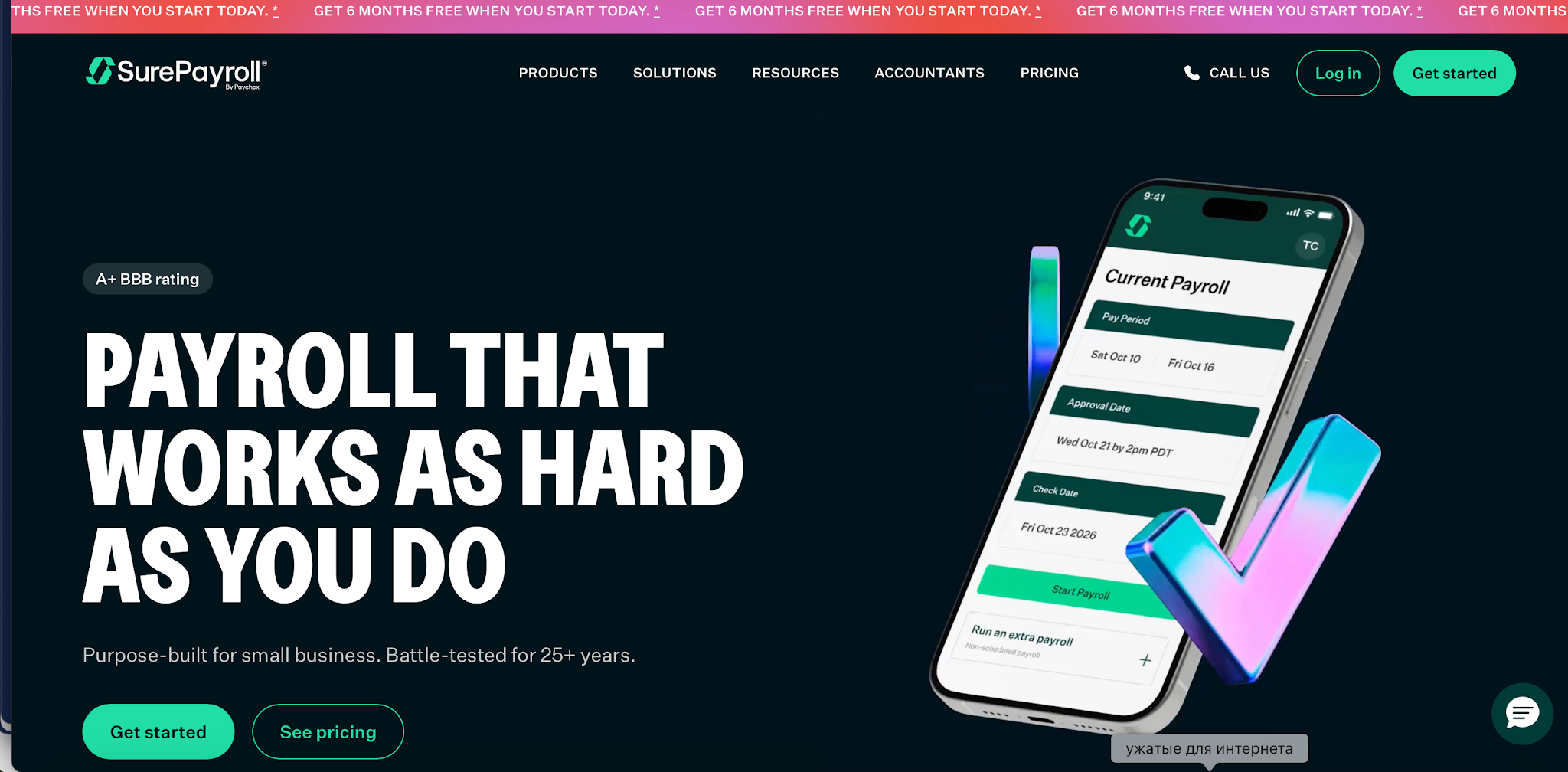
Full Service: $29/month + $7 per employee. Promotion: new customers get every other month free during their first year, subject to offer terms.
SurePayroll, a Paychex company, focuses on simplifying payroll for very small businesses and employers who want to spend less time on payroll administration.
SurePayroll Full Service costs $29 per month plus $7 per employee, giving it the lowest base monthly subscription cost among the full-service plans reviewed for one to three employees, excluding annual fees and other add-ons. This does not establish the lowest annual cost.
Its Full Service plan includes automatic payroll tax calculations, filings, and deposits.
SurePayroll can be a cost-effective option for small teams seeking automated taxes, but compare subscription charges, annual form fees, and required add-ons before choosing.
SurePayroll also offers a No Tax Filing plan for employers who handle payroll taxes themselves. It costs $20 per month plus $4 per employee and includes payroll tax calculations, direct deposit, and unlimited payroll runs. The employer remains responsible for filing and depositing payroll taxes.
Key Features
- Automatic payroll tax calculation and filing
- Direct deposit
- Unlimited payroll runs
- Online pay stubs
- Payroll reporting
- Employee payroll records
- Mobile payroll access
- Customer support
SurePayroll Pricing and Additional Fees
Five employees cost $29 + (5 × $7) = $64/month; ten cost $29 + (10 × $7) = $99/month. These subscription estimates include supported federal/state filings, direct deposit, and unlimited runs, but exclude the following charges:
- Multi-state payroll: $9.99/month; local taxes: additional fee where applicable.
- Accounting integration: $4.99/month; timeclock integration: from $5/month + $3/employee.
- Annual W-2/1099-NEC forms: $50 base + $5 per form.
For five employees, multi-state payroll and accounting integration bring the monthly total to $78.98 ($64 + $9.99 + $4.99), before local tax and annual form fees. For three employees over 12 paid months, with one W-2 each and no promotions or optional add-ons, SurePayroll costs $665/year: 12 × ($29 + 3 × $7) + $50 + 3 × $5. Patriot Full Service costs $624/year: 12 × ($37 + 3 × $5), with year-end payroll tax filings included.
Pros
- Competitive full-service pricing
- Automated payroll tax filing
- Unlimited payroll runs
- Suitable for very small employers
- Straightforward core payroll functionality
Cons
- Per-employee charges increase as the team grows
- Advanced HR functionality may be limited or require additional services
- Businesses with specialized payroll needs should verify support before subscribing
Best for: Small businesses that want affordable automated payroll taxes and relatively simple payroll administration.
Choose SurePayroll if you want full-service US payroll at a reasonable starting price without paying for extensive HR features.
4. OnPay — Best for Growing and Multi-State Businesses
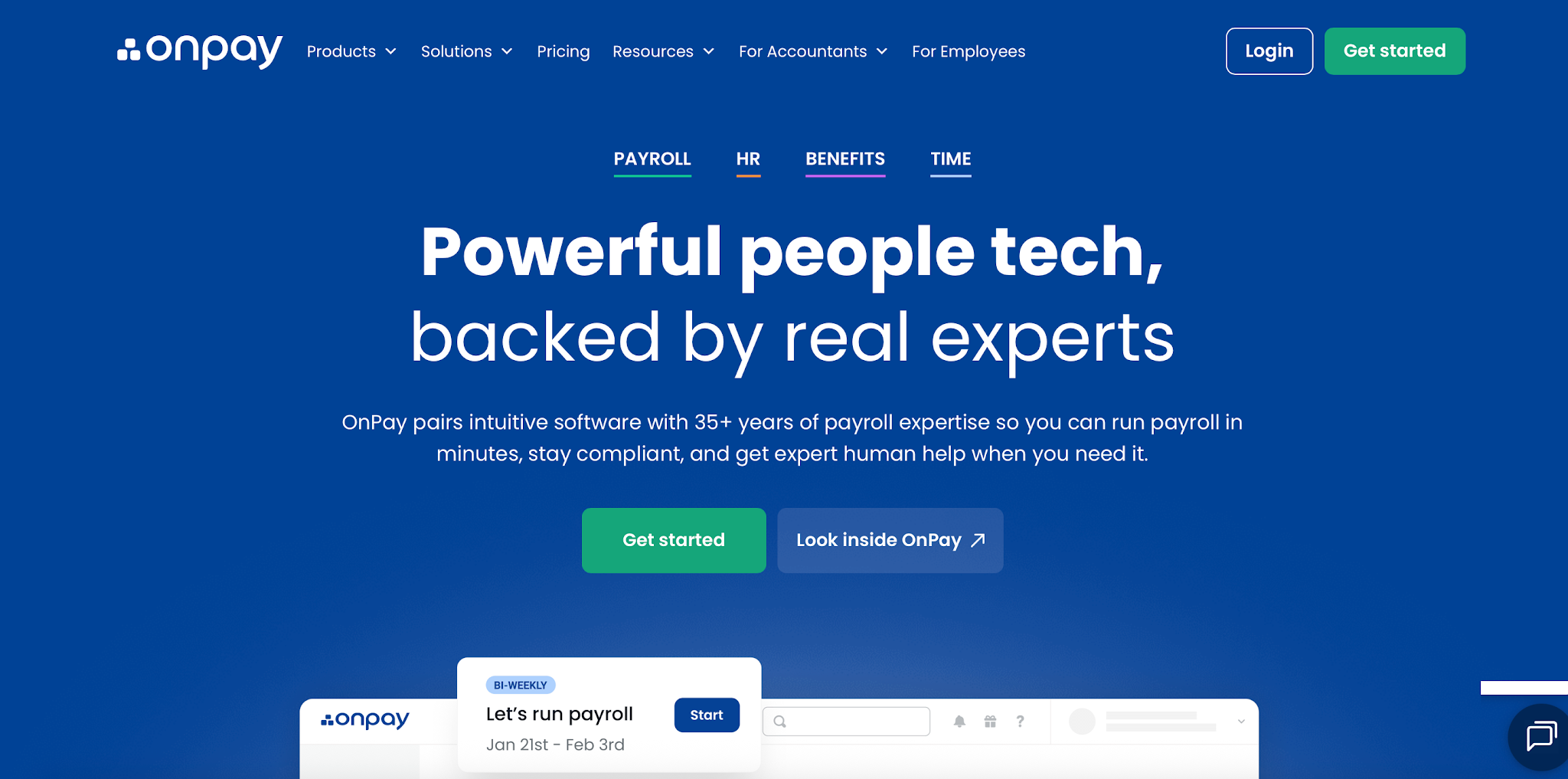
Payroll Essentials: $49/month + $6 per worker
OnPay currently offers new customers their first month free. After that, standard pricing applies.
OnPay combines full-service payroll with employee management features and multi-state support.
While it costs more than the cheapest basic payroll providers, its pricing includes features that may otherwise require paid add-ons.
OnPay supports W-2 employees and 1099 contractors, unlimited payroll runs, automated tax filings, and payroll processing across all 50 US states.
Key Features
- Automatic federal, state, and local payroll tax filing
- Unlimited payroll runs
- Multi-state payroll
- W-2 and 1099 support
- Direct deposit and other payment methods
- Employee onboarding
- Payroll reporting
- Accounting integrations
How Much Does OnPay Cost?
For a business with five workers:
$49 base fee + (5 × $6) = $79 per month.
For ten workers:
$49 + (10 × $6) = $109 per month.
The subscription includes multi-state payroll and supported year-end tax filings. Time Tracking costs an extra $15/month + $4 per employee; HR costs $15/month + $2 per employee. These, compliance add-ons, and benefits premiums are excluded above.
Pros
- Full-service payroll taxes included
- Multi-state payroll without additional state subscription fees
- Unlimited payroll runs
- W-2 and 1099 support
- Suitable for growing companies
- Accounting integrations
Cons
- Higher base fee than some competitors
- Advanced HR and time-tracking features may cost extra
- Can be more expensive than necessary for a one-person business
Best for: Growing businesses, companies employing people across several US states, and teams wanting payroll with basic HR capabilities.
Choose OnPay if you're scaling your workforce and want predictable payroll pricing with automated taxes.
A Separate Option for International Contractor Payments
Solowise
Businesses paying independent contractors abroad need to compare country coverage, currencies, payment fees, and documentation rather than US employee payroll features.
Solowise helps businesses manage international contractor payments, agreements, invoices, and payment records. It serves a different purpose from the US payroll providers above and does not replace payroll software for W-2 employees or automatic US employer payroll tax filing.
Under the flat-fee model described in this article, one monthly USD payout to each of five contractors would cost $225 in service fees; ten payouts would cost $450. Confirm the applicable pricing arrangement before calculating costs.
Solowise may be relevant to businesses working with international freelancers. Companies employing US staff should first choose a payroll provider that supports their employee payroll and tax obligations. If your team includes both US employees and international workers, you may need a broader solution. Our Gusto vs. Deel comparison explores how the two platforms differ in domestic payroll, global hiring, and contractor management.
Cheap Full-Service Payroll vs. Basic Payroll
One of the most important decisions when choosing payroll software is whether you need automatic tax filing.
Basic Payroll Software
Basic payroll plans usually provide wage calculations, pay records, and direct deposit.
The employer remains responsible for depositing and filing payroll taxes.
This arrangement may be appropriate for businesses already working with an accountant.
Full-Service Payroll
Full-service payroll typically includes calculation, filing, and depositing of supported payroll taxes.
It may also handle year-end forms such as W-2s.
For a business owner with limited payroll experience, full-service payroll can reduce manual administrative work.
Which Is More Affordable?
Basic software usually costs less in subscription fees.
However, the total cost depends on the time and resources required to manage payroll taxes, filings, and deadlines.
If you're unfamiliar with payroll tax obligations, the added cost of full-service payroll may be worthwhile.
Hidden Payroll Fees to Watch For
An inexpensive monthly subscription can become more expensive once additional features and services are included.
1. Introductory Discounts
Patriot advertises a 50% introductory discount for three months after a free trial. SurePayroll offers new customers free months: every other month is free during the first year. Always calculate long-term costs using the rate you'll pay when promotional offers end.
2. Payroll Tax Filing
Basic payroll plans may calculate payroll taxes without actually filing and depositing them. Check whether federal, state, and local tax services are included.
3. Multi-State Payroll
Some providers charge extra for additional states. Patriot Full Service, for example, lists an additional monthly charge for each extra state filing. OnPay advertises multi-state payroll within its core Essentials plan.
4. HR and Time-Tracking Add-Ons
Employee scheduling, attendance, HR documents, and advanced onboarding may cost extra. Patriot's optional HR and Time & Attendance tools are examples of separately priced features.
5. Year-End Forms
Confirm whether W-2 and 1099 preparation, filing, and delivery are included. Some services charge additional fees for certain forms or delivery methods.
6. Contractor Payment Fees
US contractor payroll and international contractor payments can use very different pricing arrangements. Compare charges per contractor, per month, and per payout carefully.
7. Payment Speed and Support
Faster payment options, setup support, and advanced assistance may depend on eligibility or selected services. Always review the provider's terms before subscribing.
How We Compared These Payroll Services
We compared four US payroll providers and one international contractor payment platform using publicly available information from their official websites.
Our evaluation focused on:
- Cost: standard pricing for five and ten employees, promotions, and extra fees.
- Useful features: tax filings, direct deposit, unlimited runs, year-end forms, and multi-state coverage.
- Integrations: accounting, time tracking, and business tools, including Square's ecosystem and OnPay's included integrations.
- Automation: payroll calculations, scheduled runs, and automatic tax payments and filings.
- Support: published channels and onboarding assistance, without independent response-time testing.
These criteria informed the selections: Patriot for low-cost basic payroll and competitive full-service pricing, Square for hourly teams, SurePayroll for low base monthly subscription costs for very small teams, and OnPay for multi-state teams. Monthly subscription comparisons exclude annual fees and other add-ons and do not establish the lowest total annual cost.
SurePayroll and Patriot pricing was reviewed on November 6, 2026; other pricing information was reviewed in October 2026. The comparison uses SurePayroll Full Service at $29/month plus $7 per employee and No Tax Filing at $20/month plus $4 per employee. Actual rates may vary by offer, contract, location, or additional features.
These categories reflect different business needs, not a universal ranking of interchangeable products. International contractor payments and domestic employee payroll have different functions and compliance requirements.
The comparison is based on published product information rather than hands-on testing of every service.
How to Choose the Cheapest Payroll Service for Your Business
Choosing an affordable payroll provider starts with understanding how your business pays people.
Step 1: Identify Your Workforce
Do you pay W-2 employees, US-based independent contractors, or freelancers abroad? This determines which types of payroll or payment products are relevant.
Step 2: Decide Who Handles Payroll Taxes
If you employ workers, determine whether you can manage payroll tax filings internally. If not, prioritize full-service payroll.
Step 3: Estimate Annual Costs
Calculate subscription and worker fees over 12 months. Account for promotional discounts ending and any planned hiring. For international contractors, calculate payment costs based on expected payout frequency.
Step 4: Compare Essential Features
Look for the functions your business actually needs, including:
- Direct deposit or international transfers
- Payroll tax filing
- Time tracking
- Employee or contractor onboarding
- Invoice and contract management
- Accounting integrations
- Customer support
Step 5: Consider Future Growth
A provider that's inexpensive for one employee may not remain the best value at 20 employees. Similarly, a contractor payment platform may be more relevant as your international freelance network grows. Choose a service that supports your expected business needs, not just today's lowest price.
Final Verdict: Which Cheap Payroll Service Should You Choose?
For businesses seeking low-cost US payroll, Patriot Basic offers the lowest starting price among the plans reviewed if you handle payroll tax filing separately. For full-service payroll, SurePayroll has the lowest base monthly subscription cost for one to three employees at $29 per month plus $7 per employee, excluding annual fees and other add-ons. That does not guarantee the lowest annual cost: for three employees, 12 paid months, and one W-2 each, SurePayroll totals $665, versus $624 for Patriot Full Service, without promotions or optional add-ons. Patriot Full Service has the lowest base monthly cost among the reviewed full-service plans for five or more employees. Square is a strong fit for hourly teams using Square tools, and OnPay includes multi-state payroll and year-end filings. Compare annual costs and required coverage before choosing. Businesses paying international contractors can evaluate Solowise separately.
FAQ
What is the cheapest payroll service for small businesses?
Patriot Basic is among the lowest-cost US payroll software options reviewed, starting at $17 per month plus $4 per worker at standard pricing. Its introductory discount temporarily reduces those charges by 50%.
However, automatic payroll tax filing isn't included in the Basic plan.
What is the cheapest full-service payroll service?
At SurePayroll's listed $29 base rate plus $7 per employee, it has the lowest base monthly subscription cost among the full-service plans reviewed for one to three employees, excluding annual fees and other add-ons. At four employees, its $57 monthly subscription matches Patriot Full Service; from five employees, Patriot costs less. For three employees over 12 paid months with one W-2 each, SurePayroll costs $665/year, including annual form fees, versus $624/year for Patriot Full Service, without promotions or optional add-ons.
The cheapest option depends on team size, promotional eligibility, and add-ons such as multi-state filing and year-end forms.
What is the cheapest payroll service for one employee?
For a single US employee, Patriot Basic costs $21 per month at its standard rate, without automatic tax filing.
For automatic payroll tax filing, SurePayroll Full Service costs $36/month for one employee. Square costs $41/month and Patriot Full Service $42/month, before add-ons. SurePayroll also charges annually for year-end forms ($50 plus $5 per form), so the lowest monthly subscription does not necessarily mean the lowest annual cost.
What is the cheapest payroll service for contractors?
Square Contractor-Only starts at $6 per person paid per month for supported US contractor payroll. For businesses paying international freelancers, Solowise offers cross-border contractor payment tools with advertised flat per-payout and contract-dependent percentage pricing. These services cover different needs and shouldn't be compared on price alone.
Does Solowise handle payroll taxes?
Solowise is focused on international contractor payments, agreements, and invoices rather than conventional US W-2 employee payroll tax administration.
Businesses employing US workers should choose an appropriate employee payroll provider.
How much does Solowise charge per contractor payment?
Solowise advertises $45 per USD payout or €45 per EUR payout. Confirm your applicable pricing arrangement with the provider before making a payment.
Is Patriot Payroll really $8.50 per month?
Patriot's $8.50 base fee plus $2 per worker is an introductory discount. The standard Basic Payroll rate is $17 per month plus $4 per worker.
Do cheap payroll services file taxes automatically?
Some do. Square Full Service, SurePayroll Full Service, OnPay, and Patriot Full Service provide automatic payroll tax filing services. Patriot Basic and SurePayroll No Tax Filing require employers to manage tax filings themselves.
Can I run payroll myself for free?
You can process payroll manually without paying for a subscription, but you'll still need to comply with wage, tax, recordkeeping, and filing requirements.
Manual payroll may save software expenses while increasing administrative work and the risk of errors.
What hidden fees should small businesses watch for?
Check for additional state filings, HR and attendance tools, tax forms, faster payments, benefits administration, introductory price changes, and contractor transaction fees.

I’m an ex-English teacher who discovered a passion for writing. My goal is to create insightful articles that help boost readers’ personal and professional growth.
Learn moreWe are here to ease your working routine
Whether you're freelancing or a full-time contractor, we simplify the working process, putting you in control.
Try it free
Set up payroll for your small business with steps for EINs, state tax accounts, employee forms, pay schedules, software and your first payroll run.

Gusto and Deel both help companies manage payroll and HR, but they serve different business needs. Gusto is a better fit for US-based small and midsize businesses that need simple payroll, tax filing, benefits, onboarding, and basic HR tools. Deel is better for companies hiring internationally, managing global contractors, or using Employer of Record services. This comparison breaks down their key differences in payroll, compliance, pricing, integrations, benefits, contractor management, pros and cons, and best use cases to help businesses choose the right platform in 2026.

Compare the best Deel alternatives for global hiring, payroll, EOR, and contractor payments. See pricing, coverage, pros, cons, and best use cases.
