
Cheapest Payroll Service for One Employee in 2026
Running payroll for one employee still means tax calculations, filings, forms, and deadlines — so the cheapest option isn't always the best value. This guide compares affordable payroll services for a one-person business, breaking down real monthly costs, what's included, and which choice fits how you actually pay your worker.
June 5, 2026
Running payroll for one employee should not feel like managing a large HR department. But even if you only pay one person — or only pay yourself — payroll still comes with tax calculations, filings, forms, direct deposit, deadlines, and compliance rules. That is why many one-person businesses start looking for the cheapest payroll service for one employee.
The challenge is that “cheap” does not always mean “best.” A free payroll tool may still leave you filing taxes yourself. A low monthly plan may charge extra for direct deposit, year-end forms, accounting integrations, or multistate payroll. A full-service payroll platform may cost more upfront but save hours of admin work and reduce the risk of mistakes.
This guide compares affordable payroll services for a one-employee business and explains which option makes sense depending on how you pay your worker, where your business operates, and how much support you need.
Quick answer: what is the cheapest payroll service for one employee?
The cheapest payroll service depends on what you need included.
For the lowest paid option, Patriot Payroll is usually one of the most affordable services, with a basic plan that starts at 8.5 USD monthly fee plus a 2 USD per-person charge. However, the lowest tier is best for businesses that are comfortable handling some tax responsibilities themselves.
For the cheapest full-service payroll option, Square Payroll is a strong pick for one W-2 employee because it includes automated payroll tax calculations and filings at a relatively low monthly cost. It is especially useful if you already use Square for POS, timecards, or team management.
For a free payroll option, Payroll4Free.com can work for very small businesses with simple needs, but tax filing and direct deposit services may cost extra. That means it is not always the cheapest if you want a hands-off experience.
For the best all-around affordable payroll service, OnPay and Gusto are better choices if you want payroll, tax filing, HR basics, employee self-service, and room to grow. They are not the cheapest by sticker price, but they offer more complete service for the money.
For solo founders, freelancers, and one-person businesses with international or contractor-based workflows, Solowise is worth considering. It can be a practical option if your setup goes beyond traditional U.S. W-2 payroll and you need a simpler way to manage payments, business documents, and cross-border admin without paying for a large HR suite.
Mini-verdict
If you need the lowest starting price, Patriot Payroll is the strongest pick, especially if you are comfortable handling some payroll tax responsibilities yourself.
If you need affordable full-service payroll with tax filing included, Square Payroll offers strong value for one W-2 employee.
If you want free basic payroll software, Payroll4Free.com can work for simple payroll needs, but tax filing and some direct deposit options cost extra.
If you want a more complete payroll and HR setup, OnPay and Gusto are better choices, even though they cost more.
If you are a solo founder, freelancer, or consultant working across borders or managing contractor-based workflows, Solowise is a better alternative to traditional payroll software.
Prices can change, so always check the provider’s pricing page before signing up.
What to look for in payroll software for one employee
When you only have one employee, you do not need every HR feature on the market. But you do need the essentials to be reliable.
A good affordable payroll service should help with:
- calculating wages and withholdings
- federal, state, and local payroll taxes
- direct deposit or check payments
- W-2 and 1099 forms
- payroll reports
- new hire reporting
- employee self-service access
- compliance reminders
- accounting integrations
The best service is the one that fits your actual payroll setup. A one-person S corp owner has different needs than a small shop owner paying one hourly employee. A business that pays one contractor does not need the same payroll plan as a company with one W-2 employee. A company with employees in multiple states may need stronger tax support than a local business operating in one state.
1. Patriot Payroll — cheapest starting price
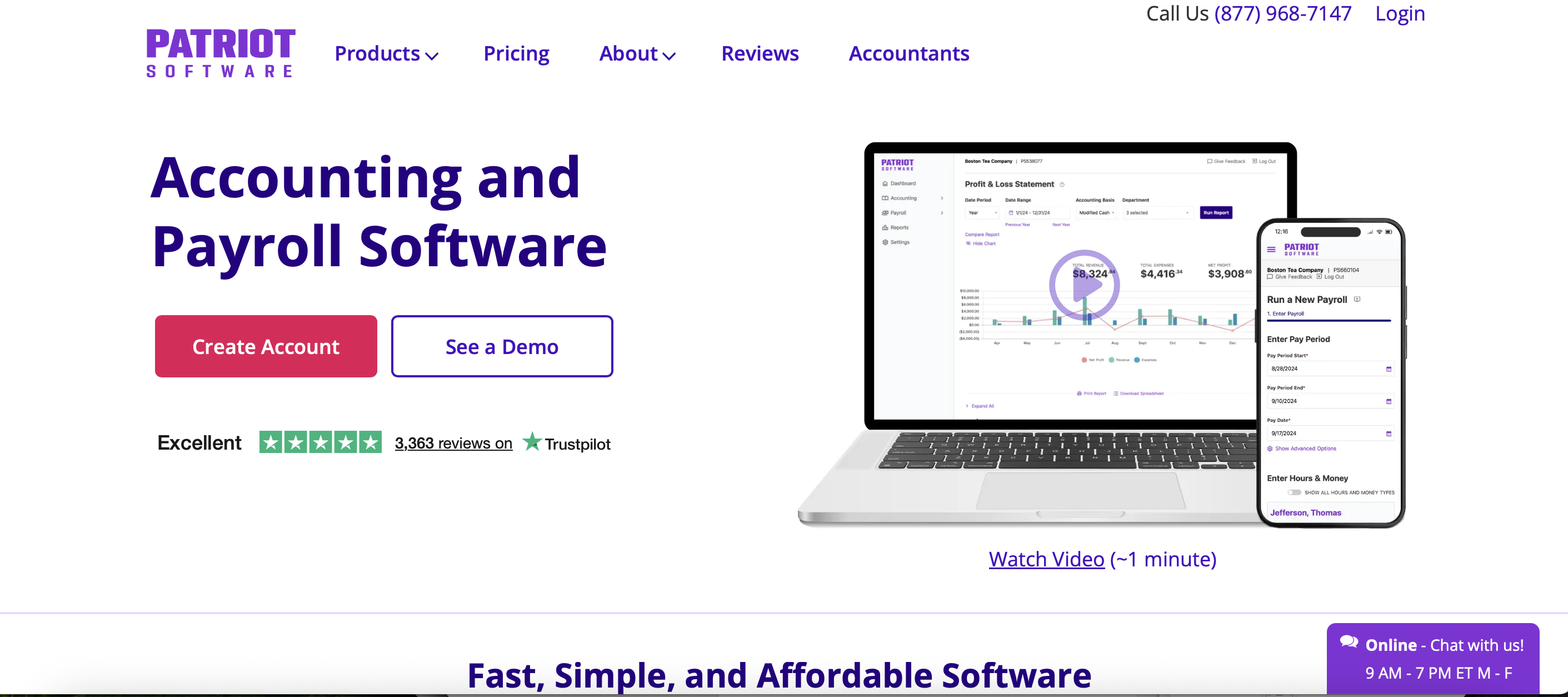
Patriot Payroll is one of the best choices if your main goal is to keep payroll costs as low as possible. Its Basic Payroll plan costs 8.50 USD and includes unlimited payroll runs, employee and contractor payments, direct deposit, a self-service portal, and payroll reports.
The tradeoff is that the cheapest plan does not include full-service payroll tax filing. Patriot will calculate payroll taxes, but you are responsible for depositing and filing them yourself. For business owners who are comfortable with payroll tax deadlines, this can be a good way to save money. For owners who want to avoid tax admin completely, Patriot’s Full Service plan is the safer option.
Choose Patriot if you want the lowest paid payroll service and do not need advanced HR tools. Avoid the basic plan if you want payroll taxes filed automatically.
Pros
- One of the lowest starting prices among paid payroll services.
- Offers both Basic Payroll and Full Service Payroll plans.
- Basic Payroll is useful for businesses that want affordable payroll software and can handle tax filings themselves.
- Full Service Payroll includes federal, state, and local tax filings and deposits.
- Includes unlimited payroll runs, direct deposit, employee portal, contractor payments, auto payroll, and payroll reports.
- Good fit for small businesses that want simple payroll without paying for a large HR platform.
Cons
- The cheapest Basic Payroll plan does not include tax filings and deposits.
- Full-service tax support costs more than the Basic plan.
- HR features are more limited than broader all-in-one platforms.
- Businesses that want advanced benefits or deeper HR tools may need another solution.
Best for: cost-conscious small businesses that want simple payroll.
2. Solowise
Solowise is a practical option for solo founders, freelancers, consultants, and one-person businesses that need more than basic domestic payroll. If you work with international clients, pay yourself from business income, manage contractor payments, or want a simpler way to organize business finances, Solowise can help keep payments, documents, and admin in one place.
Solowise can be a strong fit if you want a lightweight, affordable solution that supports the way independent businesses actually operate. Instead of paying for a large HR suite, you can focus on the essentials: getting paid, staying organized, managing documents, and reducing manual admin.
Choose Solowise if you are a solo professional, independent business owner, or small company managing cross-border work.
Pros
- Built for solo founders, freelancers, consultants, and independent contractors.
- Useful for contractor-based, international, and cross-border workflows.
- Helps manage payments, business documents, contracts, invoices, and admin in one place.
- Good fit for solo professionals who need more than basic domestic payroll software.
- Lightweight alternative to large HR and payroll platforms.
Cons
- Not a traditional U.S. W-2 payroll provider.
- May not be the right fit for businesses that need standard employee payroll tax filing.
- Best suited for contractor and solo-business workflows rather than classic employer-employee payroll.
- Businesses with regular W-2 employees may still need a full-service payroll provider.
Best for: solo founders, freelancers, consultants, and one-person businesses with international or contractor-based workflows.
3. Square Payroll — best cheap full-service payroll
Square Payroll is one of the strongest options for a one-employee business that wants full-service payroll at an affordable price. Its full-service plan includes payroll tax calculations and filings, direct deposit, W-2 and 1099 support, unlimited pay runs, and employee self-service.
Square is especially useful for businesses already using Square POS, Square Team App, or Square timecards. If you run a small retail shop, salon, café, local service business, or part-time operation, Square can keep time tracking, payments, and payroll in one ecosystem.
Square also offers a contractor-only plan, which can be much cheaper if you do not have a W-2 employee. That makes it a flexible choice for businesses that pay one freelancer or independent contractor.
Choose Square Payroll if you want a low-cost, full-service option and do not need a large HR suite. Avoid it if you need advanced benefits administration, deep HR support, or complex payroll customization.
Pros
- Affordable full-service payroll for one W-2 employee.
- Includes automated federal and state tax payments and filings.
- Offers unlimited pay runs, auto payroll, off-cycle payments, multistate payroll, W-2s, 1099s, and new-hire reporting.
- Contractor-only payroll is available with no monthly base fee.
- Integrates well with Square POS, Square Team App, timecards, and QuickBooks Online.
- Strong fit for businesses already using Square tools.
Cons
- Best value is strongest for businesses already in the Square ecosystem.
- May not offer as many HR and benefits features as larger payroll platforms.
- Less suitable for businesses with complex HR, benefits, or payroll customization needs.
- Businesses that do not use Square may get less value from the integrations.
Best for: one-employee businesses that want affordable full-service payroll.
4. SurePayroll — best budget payroll with traditional support
SurePayroll, a Paychex company, is another affordable payroll service for small businesses. It offers payroll plans with and without tax filing, which gives business owners flexibility. If you want to save money and handle tax filing yourself, you can choose a lower-cost option. If you want a more hands-off experience, you can choose full-service payroll.
SurePayroll includes useful features such as unlimited payroll runs, direct deposit, mobile payroll access, employee self-service, and support for W-2 and 1099 workers. It can be a good fit for small businesses that want a traditional payroll provider with the backing of a larger company.
The main thing to watch is add-on pricing. Some features, such as faster direct deposit, local tax filing, accounting integrations, or year-end forms, may come with additional costs depending on the plan. For a one-employee business, those extra fees can change the real monthly value.
Choose SurePayroll if you want a budget-friendly payroll provider with optional full-service support. Compare add-ons carefully before deciding.
Pros
- Offers both full-service payroll and a lower-cost no-tax-filing plan.
- Full Service plan includes payroll tax filing and deposits.
- Includes unlimited payroll runs, direct deposit, payroll reports, employee access to paystubs, and new-hire reporting.
- Supports W-2 employees and 1099 contractors.
- Backed by Paychex, which can add trust for small businesses.
- Good option for businesses that want flexible payroll plans from an established provider.
Cons
- The lower-cost plan leaves tax filing and deposits to the business owner.
- Some features may cost extra, such as accounting integrations, local tax filing, faster processing, or timeclock integrations.
- Per-employee pricing can be higher than some budget competitors.
- HR and compliance features may require add-ons.
Best for: small businesses that want flexible payroll plans from an established provider.
5. OnPay — best transparent all-in-one payroll

OnPay is a full-service payroll platform with simple, transparent pricing. Its Payroll Essentials plan costs $49 per month plus $6 per worker. For one employee, that means the monthly cost starts at $55. OnPay positions this as a no-hidden-fees plan that includes full-service payroll, federal, state, and local taxes, unlimited pay runs and schedules, multistate payroll, W-2 and 1099 worker payments, and year-end filings.
The plan also includes hiring and onboarding tools such as state new hire reporting, custom offer letters, employee self-onboarding, e-sign I-9 and W-4 forms, and onboarding checklists. OnPay also includes team basics like permission levels and document storage, plus accounting integrations, custom reporting, and benefits administration support. Businesses can add HR features for an additional monthly cost if they need PTO management, employee directories, document workflows, or compliance resources.
For a one-employee business, OnPay is not the cheapest option by sticker price, but it offers strong value because tax filings, unlimited payroll runs, year-end filings, support, setup, and integrations are included in one plan. It is a good fit for business owners who want a hands-off payroll process and do not want to compare multiple pricing tiers or worry about common payroll add-ons.
Pros
- Transparent pricing with one main payroll plan.
- Full-service payroll includes federal, state, and local tax filings.
- Supports both W-2 employees and 1099 contractors.
- Includes unlimited pay runs, multiple payroll schedules, and multistate payroll.
- Offers onboarding tools, employee self-onboarding, e-sign I-9 and W-4 forms, document storage, reporting, and integrations.
- Good value for small businesses that want payroll, tax filing, and basic HR tools in one plan.
Cons
- Not the cheapest option for a one-employee business.
- Additional HR features cost extra.
- May include more features than a very small business needs.
- No lower-cost self-service plan for businesses that only want basic payroll calculations.
Best for: small businesses that want full-service payroll, transparent pricing, tax filings included, and room to grow.
6. Gusto — best for payroll, HR, and contractor support
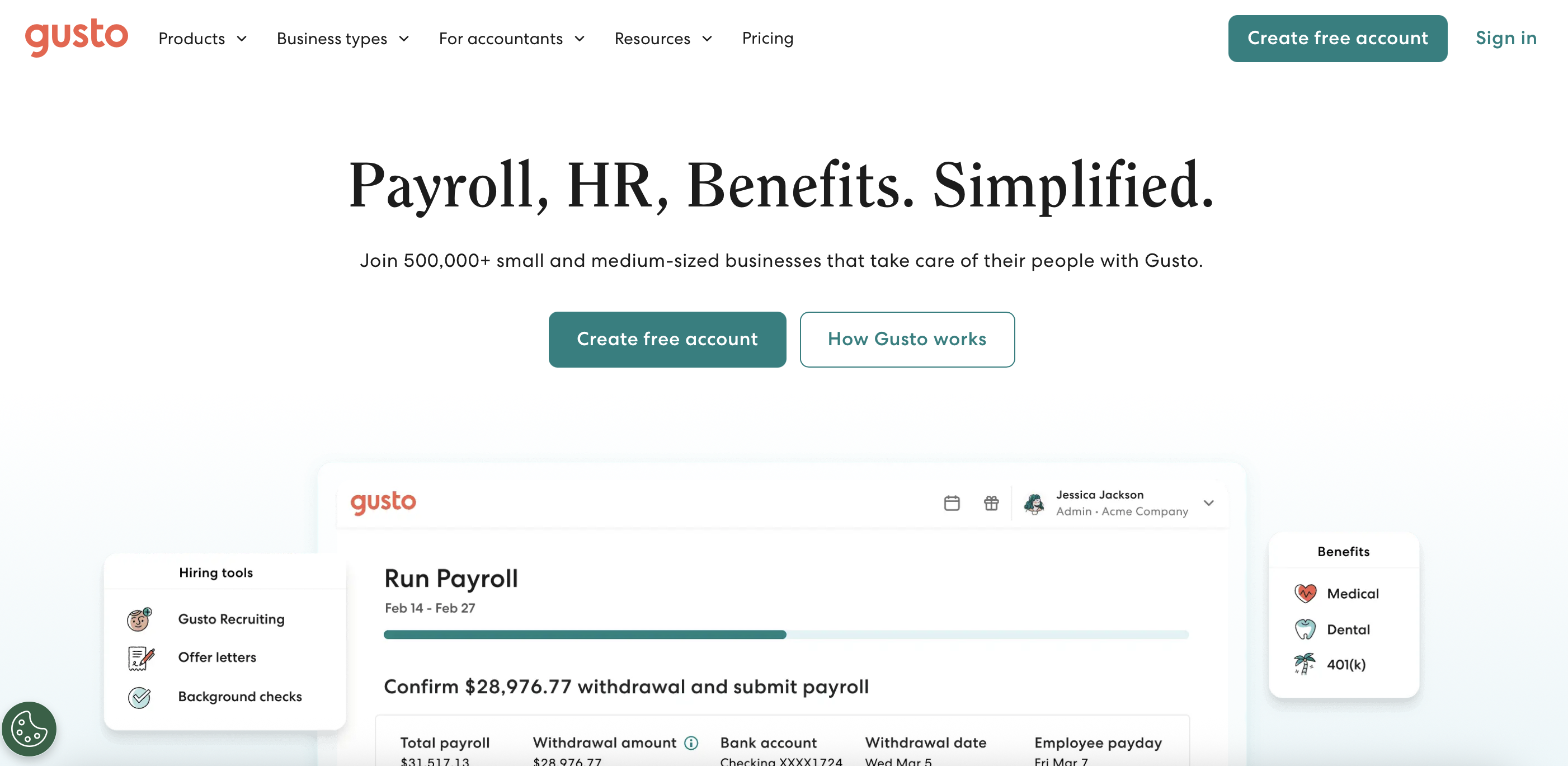
Gusto is a full-service payroll and HR platform built for small businesses that want payroll, tax filing, benefits, onboarding, and employee management in one place. According to Gusto’s website, its plans include unlimited payroll runs, automated tax filing, integrations, benefits administration, and support for paying both employees and contractors.
Gusto’s pricing starts at $49 per month plus $6 per person, which makes the cost for one employee about $55 per month. Gusto also offers a Contractor Only plan for businesses that do not have W-2 employees. That plan is listed at $35 per month plus $6 per contractor and is designed for businesses paying U.S. independent contractors who need 1099-NEC support.
For a one-employee business, Gusto is not the cheapest payroll service by monthly price, but it offers a more complete setup than many budget tools. It can handle payroll taxes, direct deposit, unlimited pay runs, payroll reports, employee self-onboarding, and compliance-related payroll tasks. Gusto also includes HR and benefits features, which can be useful if the business plans to grow or wants to manage more than basic paycheck processing.
Pros
- Full-service payroll platform built for small businesses.
- Includes unlimited payroll runs, tax filings and payments, direct deposit, and basic payroll features.
- Supports both employees and contractors.
- Offers HR, benefits, onboarding, reports, integrations, and compliance tools.
- Good option for businesses that want payroll and HR in one system.
- Can scale as the business grows.
Cons
- More expensive than the lowest-cost payroll services.
- Some HR, support, and advanced features are available only on higher-tier plans.
- May be more than a one-employee business needs.
- Not the best choice if the only priority is the lowest possible monthly price.
Best for: one-employee businesses that want full-service payroll, automatic tax filing, contractor support, HR tools, and room to grow.
7. Payroll4Free.com — best free payroll software with limits

Payroll4Free.com is a free payroll software option for very small businesses. Its basic services are free for businesses that pay 9 or fewer people monthly.
The platform supports employee and contractor payments, payroll tax calculations, vacation tracking, reporting, direct deposit through your own bank, paper checks, and an employee portal.
Payroll4Free.com is best for simple payroll needs and business owners who want to avoid monthly payroll software costs. However, tax filing, tax deposits, and direct deposit through Payroll4Free.com’s bank are optional paid services, so it may not be fully free for businesses that want a hands-off payroll experience.
Pros
- Free basic payroll service for businesses paying 9 or fewer people monthly.
- Supports payments for employees and contractors.
- Includes payroll tax calculations.
- Offers vacation tracking, reports, an employee portal, and customer support.
- Allows direct deposit through your own bank or paper checks.
- Good option for very small businesses that want to avoid monthly payroll software costs.
Cons
- Payroll tax deposits and filings are not included in the free basic service.
- Direct deposit through Payroll4Free.com’s bank is a paid service.
- Best for simple payroll needs, not complex payroll setups.
- Requires more hands-on payroll admin than full-service providers.
- May feel less modern than paid payroll platforms.
Best for: very small businesses, solo founders, and one-employee companies that want free basic payroll software and are comfortable handling some payroll admin themselves.
Full-service vs self-service payroll: which is cheaper?
Self-service payroll is cheaper upfront. The software helps calculate paychecks and taxes, but you may need to file and deposit payroll taxes yourself. This can work if you understand payroll deadlines and are organized.
Full-service payroll costs more but usually includes automatic tax filings and payments. For many one-employee businesses, this is worth the extra cost because payroll tax mistakes can lead to penalties, interest, and unnecessary stress.
If your business has one employee and simple payroll, self-service may be enough. If you pay yourself through an S corp, operate in a state with complex payroll rules, or simply want peace of mind, full-service payroll is usually the better choice.
How to choose the best payroll service for one employee
Start by answering five questions.
First, are you paying a W-2 employee or a 1099 contractor? Contractor-only payroll is often cheaper. If you only pay contractors, look for services that offer a contractor-only plan.
Second, do you want taxes filed for you? If yes, choose full-service payroll. Don't pick a basic self-service plan just because it has the lowest monthly price.
Third, do you already use accounting software? If you do, choosing a payroll service that integrates with it can save time and reduce errors.
Fourth, do you need HR or benefits features? If not, avoid paying for a larger HR platform. If yes, look for a provider that bundles HR and benefits at a reasonable price.
Fifth, will your business grow? If you plan to hire more employees soon, choose a service that can scale without becoming expensive or complicated.
Final verdict: the cheapest is not always the best value
The cheapest payroll service for one employee is not always the option with the lowest monthly price. The better choice is the service that covers the payroll tasks you actually need without forcing you to pay for unnecessary features.
For some businesses, a basic self-service payroll tool may be enough. For others, a low-cost full-service provider is a better value because it can handle tax calculations, filings, direct deposit, year-end forms, and compliance tasks automatically.
Before choosing, calculate the real monthly cost for one employee. Include tax filing, direct deposit, W-2 or 1099 forms, accounting integrations, support, and any add-ons. A plan that looks affordable on the pricing page may become less cost-effective once you add the features your business needs.
FAQ
1. What is the cheapest payroll service for one employee?
Patriot Payroll is often one of the cheapest paid payroll services by starting price. However, Square Payroll may be a better affordable choice if you want full-service payroll with tax filing included.
2. Can I do payroll myself for one employee?
Yes, you can do payroll yourself, but you must calculate wages, withhold taxes, deposit payroll taxes, file forms, and meet federal, state, and local deadlines. Payroll software reduces the risk of mistakes.
3. Do I need payroll software if I only pay myself?
If you pay yourself as a W-2 employee, especially through an S corp, payroll software can help with salary payments, tax withholding, filings, and year-end forms.
4. Is free payroll software worth it?
Free payroll software can be worth it if your payroll is simple and you are comfortable handling some tasks yourself. If you want automatic tax filing and direct deposit, a paid service may be easier and safer.
5. What is the cheapest payroll service with tax filing included?
Square Payroll, Roll by ADP, OnPay, and Gusto all include tax filing in their full-service payroll plans. Square and Roll are often among the more affordable full-service options for one employee.
6. What payroll service is best for one contractor?
Square Payroll’s contractor-only plan can be a cost-effective option. Gusto also offers contractor payment features and may be better if you need broader HR or payroll tools.
7. How much does payroll cost for one employee?
For one employee, affordable payroll services usually range from about $20 to $60 per month, depending on whether tax filing, direct deposit, HR tools, and year-end forms are included.
8. What hidden payroll costs should I watch for?
Watch for fees for tax filing, local tax support, faster direct deposit, W-2 or 1099 forms, accounting integrations, multistate payroll, benefits administration, and HR add-ons.

My mission is to craft captivating narratives, unravel future trends, and spark curiosity in each blog. I try to make each text an enthralling journey, anticipating the next spellbinding tale — a commitment to content that intrigues and resonates, leaving an indelible mark.
Learn moreWe are here to ease your working routine
Whether you're freelancing or a full-time contractor, we simplify the working process, putting you in control.
Try it free
Gusto and Deel both help companies manage payroll and HR, but they serve different business needs. Gusto is a better fit for US-based small and midsize businesses that need simple payroll, tax filing, benefits, onboarding, and basic HR tools. Deel is better for companies hiring internationally, managing global contractors, or using Employer of Record services. This comparison breaks down their key differences in payroll, compliance, pricing, integrations, benefits, contractor management, pros and cons, and best use cases to help businesses choose the right platform in 2026.
Compare the best Deel alternatives for global hiring, payroll, EOR, and contractor payments. See pricing, coverage, pros, cons, and best use cases.
Church payroll comes with unique rules — clergy taxes, housing allowances, and a mix of W-2 employees and 1099 contractors. This guide compares the 9 best payroll services for churches and shows how to choose the right one for your ministry.
